01
1. Upload or Record Audio
Upload a supported audio file or record a short microphone clip directly in your browser. No account or desktop app is required.
Upload or record a clip, choose an effect, and download a WAV. No account required.
Upload a supported audio file or record a short microphone clip directly in your browser. No account or desktop app is required.
Pick a preset such as Robot, Deep, Chipmunk, or Echo, then adjust the pitch and speed sliders if the clip needs a lighter, deeper, faster, or slower sound.
Click Apply effect to process the short clip locally in your browser, then listen to the preview and adjust the settings if needed.
When the preview sounds right, download the changed audio as a WAV file for your video, podcast, game, or editing project.
Use these recipes as starting points for short creative clips. Each one begins with a small recording or uploaded file, then ends with a WAV you can reuse in your own edit.
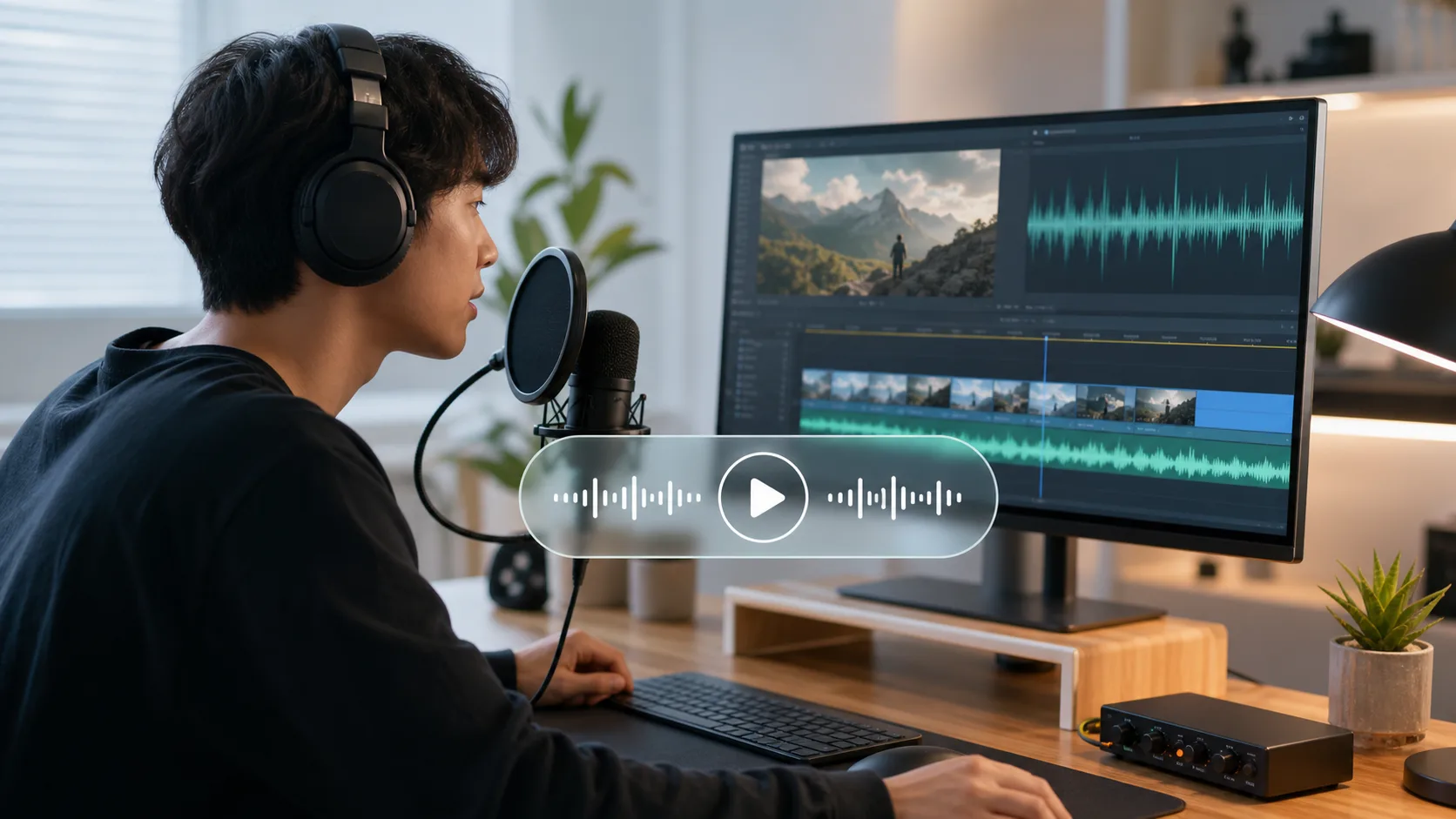
Make a quick narration, reaction line, or playful voice tag for a short-form video without opening a heavy audio editor.
Try presets
Workflow
Record a 5 to 15 second line, pick a bright effect, preview it, then adjust pitch or speed if the timing needs to land with your cut.
Output
A changed WAV clip ready to import into your video editor or social post timeline.
Create a downloadable voice clip for a game video, group-chat joke, intro sting, or reaction moment.
For a focused robot-only workflow, open the Robot Voice Changer.
Try presets
Workflow
Upload a short spoken line or record one take, choose a character-style preset, and keep the result short enough to replay easily.
Output
A reusable audio clip for video cuts, messages, or game-content drafts.
Shape short dialogue, warnings, creature lines, or atmosphere layers for a trailer, skit, or experimental scene.
Try presets
Workflow
Start with a clean phrase, choose a space or echo effect, then preview the tail so it does not cover the next line.
Output
A stylized WAV layer for a scene timeline, teaser, or sound-design draft.
Draft a deeper intro, vintage announcement, character cue, or podcast-style transition before you commit to final recording.
Try presets
Workflow
Upload a clear voice note, test a warmer or vintage preset, and compare previews before exporting the one that fits the script.
Output
A clean WAV draft you can review, replace, or layer into a longer audio project.
Voice changers come in different shapes. This table helps you decide whether this browser-based tool, a desktop real-time app, or an AI / cloud service is the better fit.
| Criteria | This Online Voice Changer | Desktop Real-Time Voice Changer | AI / Cloud Voice Changer |
|---|---|---|---|
| Best for | Short clips, voiceovers, voice messages, video editing assets | Discord, games, livestreams, OBS, virtual microphone workflows | AI-style voice conversion, longer generated audio, voice model workflows |
| Install required | No install — open the page in a browser | Usually requires desktop software, audio drivers, or virtual microphone setup | Usually web-based, but may require signup or upload |
| How audio is processed | Processed in the current browser session for the free effects | Processed locally by the desktop app while your microphone is active | Typically uploaded to a cloud or AI service for processing |
| Output | Preview, then download a WAV file | Changes microphone audio live; export support depends on the app | Generates downloadable audio; format and wait time depend on the platform |
| Privacy & control | Free effects are processed in your browser session and are not uploaded to our server for voice changing | Depends on app permissions, drivers, and vendor policy | Audio usually leaves the device for cloud processing |
| Main limitation | Not a virtual microphone; best for short clips | Heavier setup and more compatibility or permission issues | May involve accounts, cost, queue time, and privacy trade-offs |
💡 Use this tool when you want the fastest no-download workflow for short clips. Choose a desktop real-time voice changer if you need Discord, games, livestreams, OBS, or a virtual microphone.
We process all audio transformations entirely within your browser window. Your clips are never uploaded to a cloud server, and your audio data is instantly cleared once you close the page.
To keep preview and download fast on every device, use short clips—especially when you test several effects in a row. The tool applies these limits:
To prevent voice fraud and copyright infringement, this tool is designed strictly for safe, creative, and non-commercial entertainment.
We do not provide voice presets targeting political leaders, public figures, or copyrighted fictional characters to prevent misinformation.
This tool processes short offline clips only and cannot be used for active call spoofing, phone fraud, or social engineering.
Do not upload copyrighted music tracks, private voice messages, or third-party recordings without explicit owner consent.
Follow these simple guidelines to achieve high-quality voice conversions and clean audio exports.
Hi! We are a couple of independent developers who love building audio experiments. While editing short videos, we often needed quick voice-shifting effects for our clips. Searching online for a "free voice changer" usually led to heavy clients, account funnels, or confusing download paths when all we wanted was a simple WAV. So, we spent a few weekends turning that need into a lightweight, privacy-focused voice changer driven by our device-side audio engine. The workflow stays focused: add a short clip, try a playful effect, preview the result, and download the WAV for your edit, message, or social post. Commercial Usage & Attribution: The audio clips you generate can be used for any legal purpose (including commercial voiceovers, video production, or gaming audio). There's no need to attribute Free Voice Changer Online if you don't want to—you hold a 100% royalty-free license for the exported tracks. Quick tip: for the smoothest experience, use a current browser and keep clips short. iOS Safari may silence page audio playback if your phone's physical silent switch is flipped down, so toggle the switch back to ring before previewing. This is a free project maintained entirely out of personal passion. If it saved you some creative time, we hope you find this site useful! Sharing it with fellow creators or bookmarking the site is the best support we could ask for. Thanks for stopping by! 😄
Yes. Open this page in your browser, upload a clip or record one, pick an effect, preview the result, and download a WAV—no app install required.
No. Add your audio, choose an effect, preview it, and download the WAV—no account or sign-up step.
Yes. Tap Record, allow microphone access, stop when you are done, apply an effect, preview the changed clip, then download the WAV.
Open the effect picker to try presets such as robot, deep, chipmunk, alien, echo, radio, pitch shift, and speed change. Pick one, preview instantly, and download if it fits your clip.
Yes. After processing, use Preview to listen, then tap Download to save the changed clip as a WAV file.
Start with the preset closest to the tone you want—brighter presets for a higher voice, the Deep preset for a lower voice—then preview and nudge the settings until the clip sounds right to you.
Your clip is processed for the effect and preview while this page is open. Close the tab or leave the page and that session copy is not kept on the site.
Two mobile settings solve most cases: 1. Hardware Mute Switch: iOS Safari respects your iPhone's physical Ring/Silent switch. Toggle the physical mute switch back to ring for page audio playback. 2. In-App Browser Restrictions: Apps like WeChat, Facebook, or Line often limit microphone permissions. Tap the top-right menu and choose 'Open in Safari' or 'Open in Chrome' to use the recorder.